Storage & Volumes
The Storage tab shows the root disk and any attached volumes, and lets a customer grow the root disk and manage extra volumes.
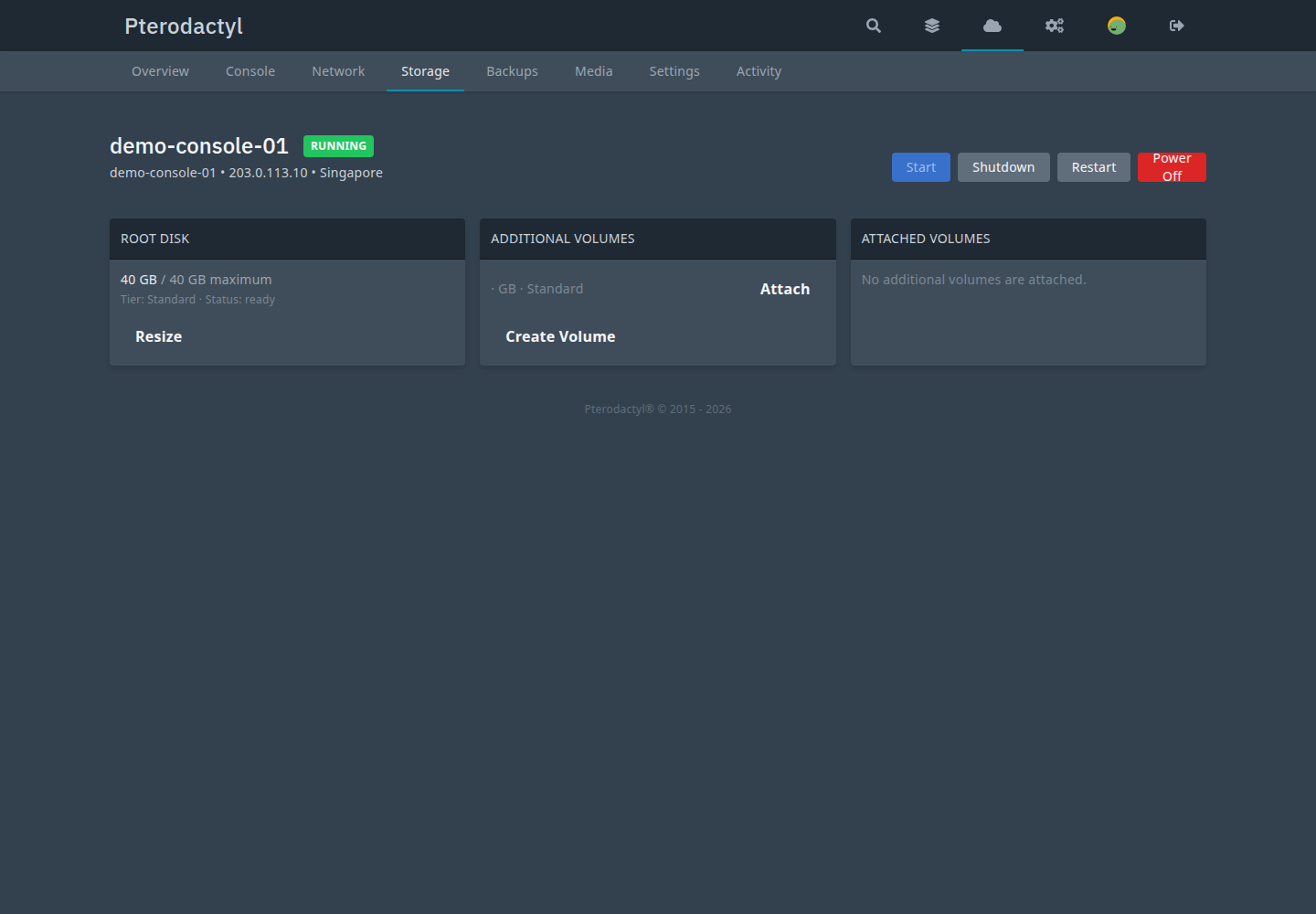
Root disk
The root disk is created by provisioning. It can be grown (never shrunk) subject to the plan and pool capacity. Root disks are never detachable or deletable.
Volumes
Persistent extra disks. A volume can be a per-instance data disk or a standalone account volume.
Lifecycle
- Create — plan quotas (
max_volumes,max_volume_size_mb,max_total_volume_mb) gate the account; the strongest plan across the user's instances applies. Placement is capability-based, capacity is reserved, and the provider volume is created under a panel-reserved library id. - Attach — ownership, location and provider-affinity checks; plan
allow_extra_volumes; single-attach only; an instance action lock is held. - Detach — hot detach with a customer-facing warning.
- Resize — grow-only. A provider-side success is never shrunk back. A standalone provider resize defers to the next attach; the DB size stays quota-authoritative.
- Delete — available volumes only; attached volumes refuse. Admin force-delete is audited.
Customer truth
Attaching is not mounting
Attaching a disk does not format or mount it inside the guest; detaching does not unmount it. Deleting a volume destroys its data and requires explicit confirmation.
Commands
php artisan pterocloud:volume:inspect <volume_uuid>
php artisan pterocloud:storage:inspect <pool_uuid>
Related
- Storage (admin)
- Troubleshooting: storage
PC-STO-###in the error reference