PteroCloud Documentation
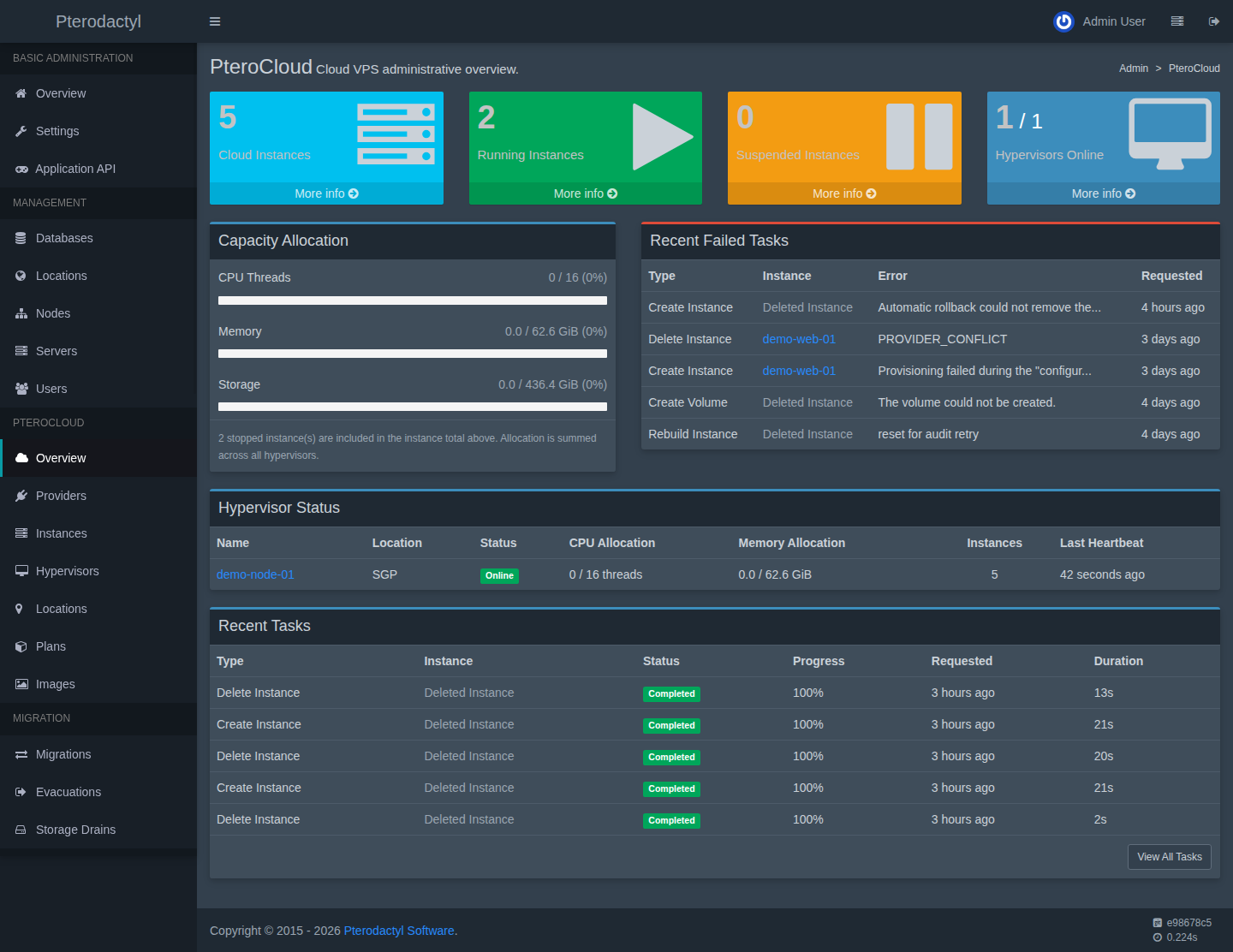
PteroCloud is the cloud/VPS extension for Pterodactyl. It adds providers (Proxmox VE and a native KVM agent), virtual machines ("instances"), networking, storage, an image library, backups, migration, diagnostics and a support center on top of an existing Pterodactyl panel.
This documentation set covers installing and using PteroCloud end to end: from license activation and connecting a hypervisor, through creating and operating VPS instances, to troubleshooting and the full public error-code reference.
Version
Documentation for PteroCloud 1.0.0. The extension version is reported by
php artisan pterocloud:compatibility and shown on the Support Center.
Who this is for
| If you are… | Start here |
|---|---|
| Evaluating or installing PteroCloud | Getting started → Installation |
| An operator connecting infrastructure | Providers → Infrastructure |
| Running the service day to day | Operating VPS instances |
| A customer using the panel | Creating and using a VPS |
| Debugging a specific error | Error codes → Troubleshooting |
How the pieces fit together
Customer (panel / Client API)
        │
        ▼
Pterodactyl panel  ──►  PteroCloud control plane
                              │  (license-gated)
              ┌───────────────┼────────────────┐
              ▼               ▼                ▼
        Proxmox VE       Native KVM        Console gateway
        (API token)      (pterocloud-agent) (WebSocket → VM)
- The panel is the control plane. It never SSHes into a hypervisor.
- A Proxmox connection is reached over its HTTPS API with a least-privilege token.
- A Native KVM host runs the
pterocloud-agent, which performs only named, validated operations — there is no arbitrary shell. - Console traffic is brokered by a dedicated gateway; the browser never sees provider credentials, node names or VMIDs.
Documentation map
- Getting started — requirements and a first pass.
- Installation — install, activate the license, console gateway, verify, upgrade, repair and uninstall.
- Licensing — how the signed runtime lease works and what happens when it is locked.
- Providers — Proxmox (token, permissions, TLS, mapping, troubleshooting) and Native KVM (agent install, enrollment, readiness).
- Infrastructure — locations, hypervisors, scheduler, networking/IPAM, storage, images and compute.
- VPS instances — provisioning, console/SSH, network, storage/volumes, backups/snapshots, media/ISO, rebuild, rescue, schedules, startup scripts and activity.
- Resellers & tenancy — ownership and delegation.
- Security — the security model and operator checklist.
- Migration and High availability — moving and evacuating instances.
- Updates — safe upgrade and rollback.
- Reference — CLI, API, error codes, diagnostics and compatibility.
- Troubleshooting — by subsystem.
Scope and honesty
PteroCloud is commercial software. This documentation states plainly which capabilities are implemented and tested, and which are foundations that have not been exercised on real hardware. Where a feature has no user interface in this build, that is called out rather than implied.
Not a promise of every release
This set describes the product's behaviour and the safe operating procedure. It does not guarantee that any particular future release exists.
Getting help
- Search the error codes for the code shown in the panel.
- Follow the matching troubleshooting page.
- Generate a redacted support bundle from the Diagnostics Center (see Diagnostics & support); it never contains secrets and is never uploaded automatically.