Networking (Instance)
Each instance has a Network tab that shows interfaces, addresses, the firewall summary and bandwidth usage.
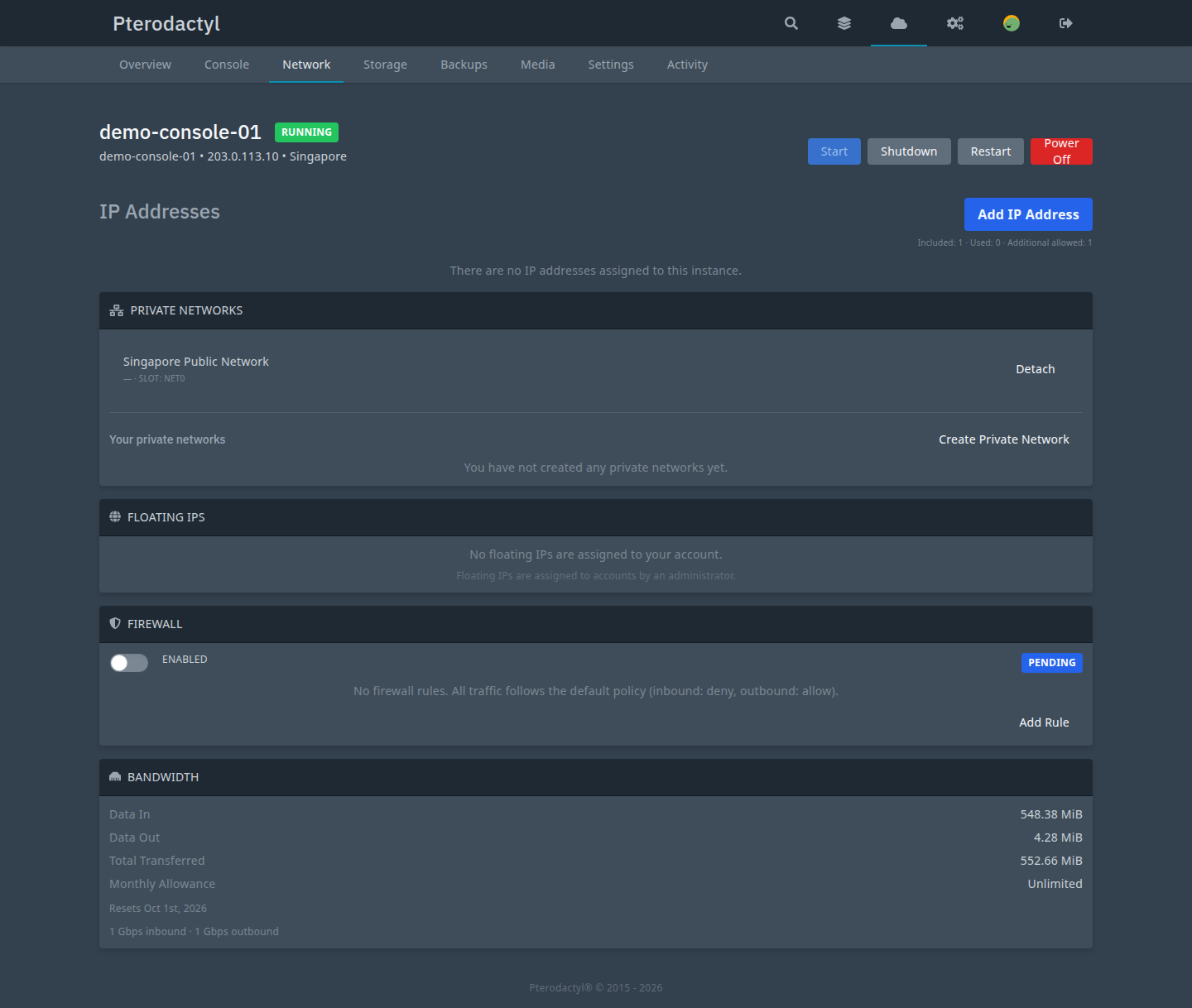
Interfaces and addresses
net0is the primary NIC, created by provisioning.- Extra NICs are private-network attachments, capped by the plan's
max_network_interfaces. - Address assignment types:
primary,secondary,floating,nat_public.
Extra IPs
Customers can attach, detach and promote addresses subject to the plan's
max_ipv4 allowance and the pool's allow_customer_extra_ips flag. Promoting an
address atomically demotes the old primary and updates the instance's primary
columns.
Private networks
Customers create private networks and attach/detach NICs. An unmapped private
network is flagged provider_config_pending until a provider mapping exists.
Floating IPs
Floating IPs are owned by the user, not an instance, and can be attached, detached and moved between the user's instances. Transitions serialize on a per-address lock.
Firewall
A per-instance firewall policy with rules and an enable/disable toggle. Rules are replaced atomically; changes are task-tracked.
Reverse DNS
Customers request a reverse-DNS change; an operator approves, completes or
rejects it. The pool's rdns_driver (manual | provider | none) determines
whether the panel or the provider applies it.
Bandwidth
Bandwidth usage is metered per cycle and shown on the tab. The plan's bandwidth allowance gates the cycle.
Guest configuration
Adding an address to a bridged network is a no-op on the provider side; the
guest must configure it itself. The panel records guest_config_required or
reboot_required per the image's network_management_mode. It never claims
traffic flows when it does not.
Related
- Networking (admin)
- IPAM
- Troubleshooting: networking
PC-NET-###/PC-IPAM-###in the error reference