Images
The image library holds customer-safe OS metadata. The panel adopts a discovered provider template and maps it to one or more connections; discovery never auto-publishes.
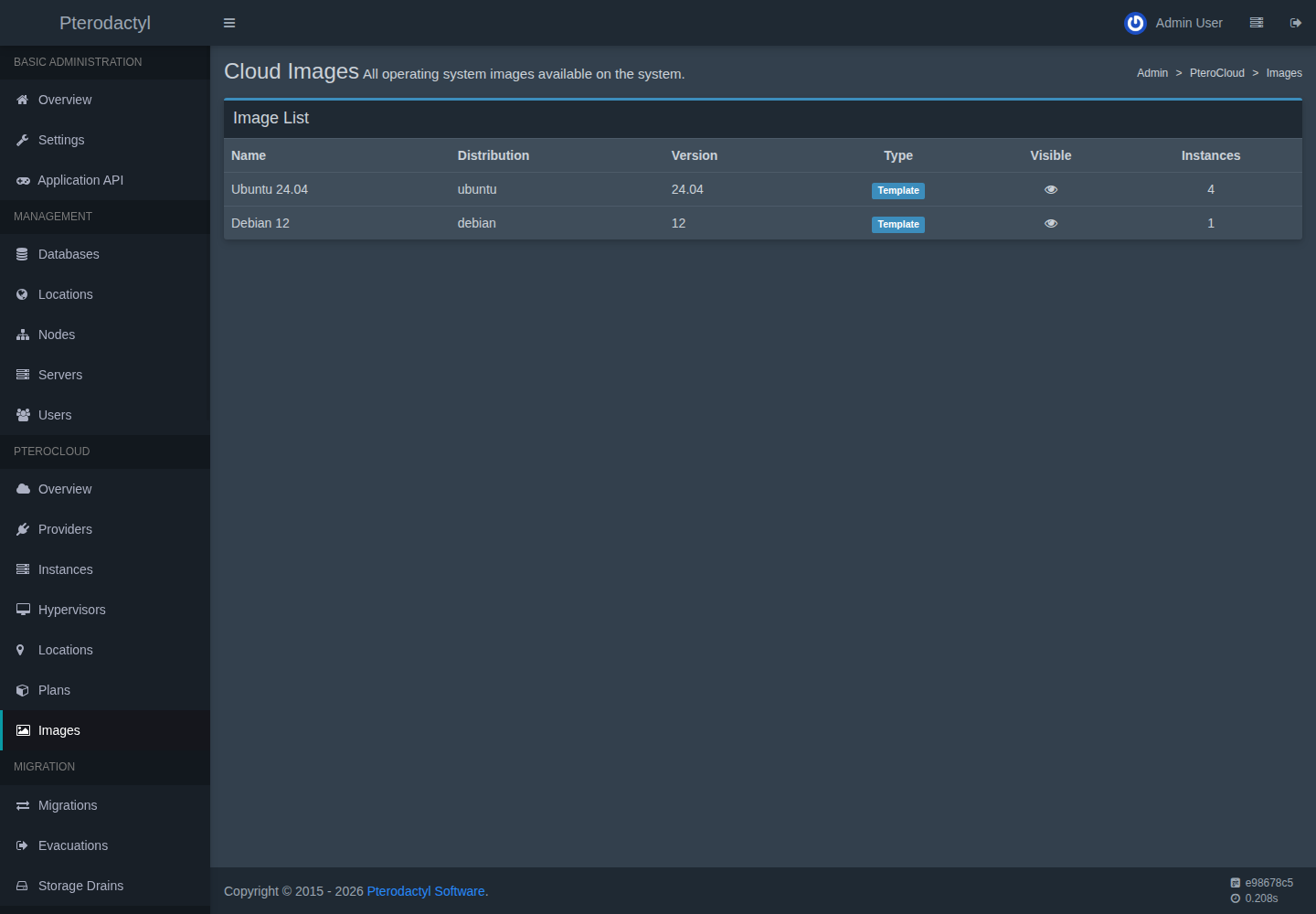
Image metadata
CloudImage carries: family (linux/windows/bsd/custom), distribution + version,
architecture, display name/description, minimum and recommended disk,
cloud-init/guest-agent/auto-grow flags, UEFI/TPM/SecureBoot requirements, license
flag, icon, release/EOL dates, status
(draft/importing/syncing/ready/degraded/disabled/failed/deprecated),
visibility and revision.
Adoption
Admins explicitly adopt a discovered provider template. The image plus one mapping per connection is created. Template VMIDs never leave the admin API.
Verification
Verification checks whether the template exists and identifies the root disk
(never assumed). Missing templates flip mappings to missing and degrade the
image; returning templates re-enable on the next verify.
Availability
Per-location availability is READY / MISSING / NOT_OFFERED, computed from
mappings × connections.
Revisions and deprecation
- New provisioning uses the newest revision; existing instances are never mutated.
- Deprecated/disabled images keep running VPSs working and stop new provisioning. Region-level disable is per mapping.
- Mappings with dependent linked clones cannot be removed destructively.
Login profiles
Each image declares its login profile: default_username, whether password
login is supported, whether SSH keys are supported, and the network management
mode. This drives credential generation and the guest configuration notes. See
VPS credentials.
Commands
php artisan pterocloud:image:inspect <image_uuid>
Related
- Provisioning
- Media / ISO
- Troubleshooting: storage
PC-IMG-###in the error reference