Locations
A location is a commercial region that groups hypervisors and tells the scheduler where an instance may be placed. Locations carry geo metadata and are shown to customers when they create a VPS.
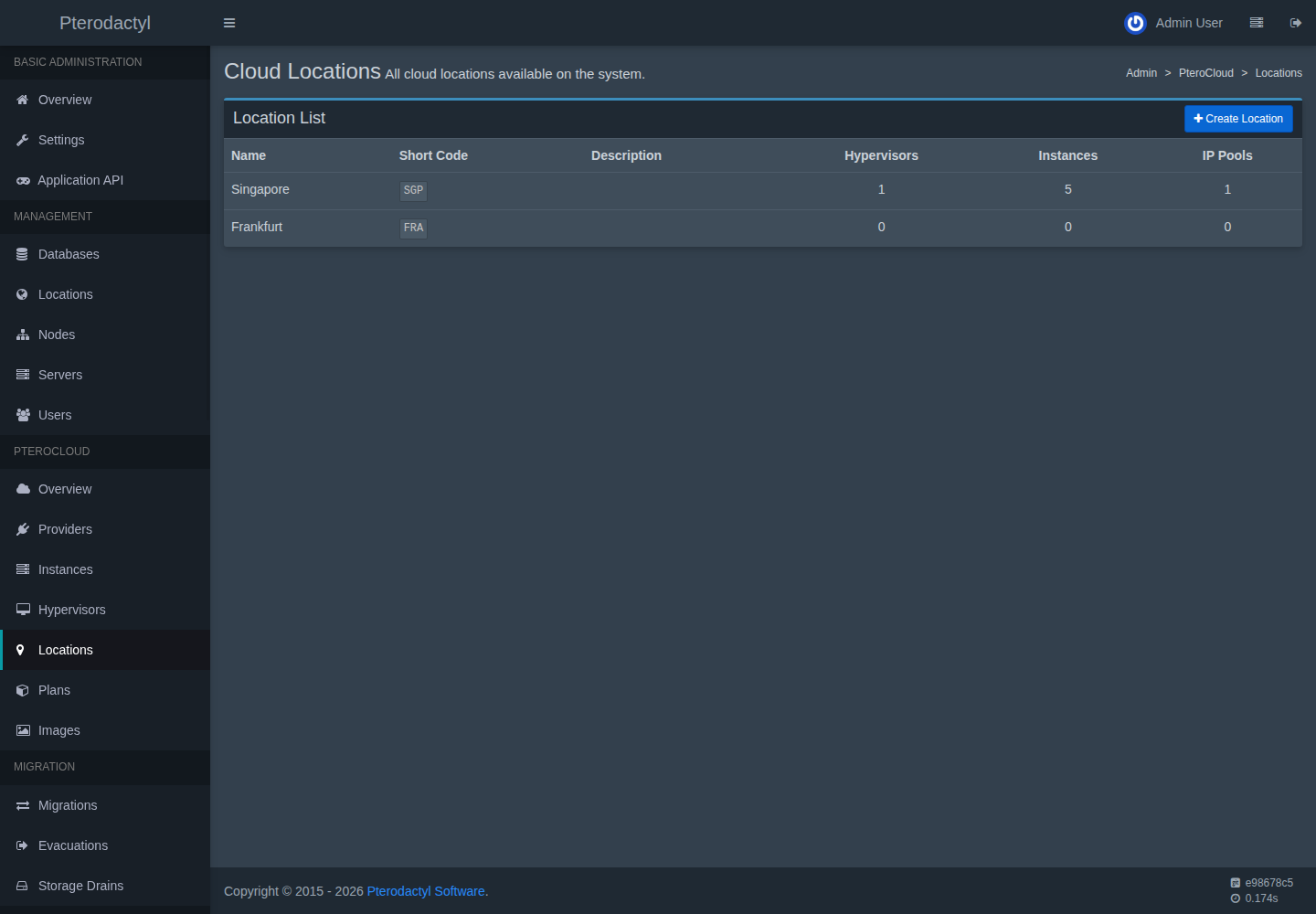
Fields
- Name and slug.
- Geo fields (country/region/city) for display.
- Enabled state.
Create a location
Admin → PteroCloud → Locations → Create. Assign hypervisors to it when importing nodes, or edit a hypervisor's location afterwards.
How locations are used
- The scheduler only places an instance on a hypervisor in the requested location (unless a plan or admin overrides it).
- Image availability is computed per location.
- Storage placement prefers pools accessible from the location.
Related
- Hypervisors
- Scheduler
PC-SCH-###in the error reference