Install the Extension
Do this after license activation
The installer verifies the license first. See License activation.
Prerequisites
Before installing PteroCloud, make sure you have:
- A working Pterodactyl Panel 1.x (PHP 8.2/8.3) reachable at a public URL.
- MySQL/MariaDB (recommended) or PostgreSQL, and Redis (recommended) for queues/cache.
- A provider ready to connect: Proxmox VE with an API token, or a Native KVM host you will enroll the agent on.
- A Krapple license for PteroCloud (activated first — see above).
- Root/sudo on the panel host for the service + web-server steps.
Full end-to-end (fresh panel host)
The order matters. Follow it exactly:
- Activate the license — License activation.
Nothing is installed until this returns
AUTHORIZED. - Install the extension — Path A/B/C below.
- Run migrations + clear caches —
php artisan migrate --forcethenphp artisan optimize:clear. - Start the workers — Workers below (queue + scheduler).
- Install the console gateway — Console gateway.
- Verify — Verification
(
pterocloud:verify,pterocloud:health,pterocloud:compatibility,pterocloud:setup:verify). - Connect your first provider — Providers, then run the Setup Assistant in the panel.
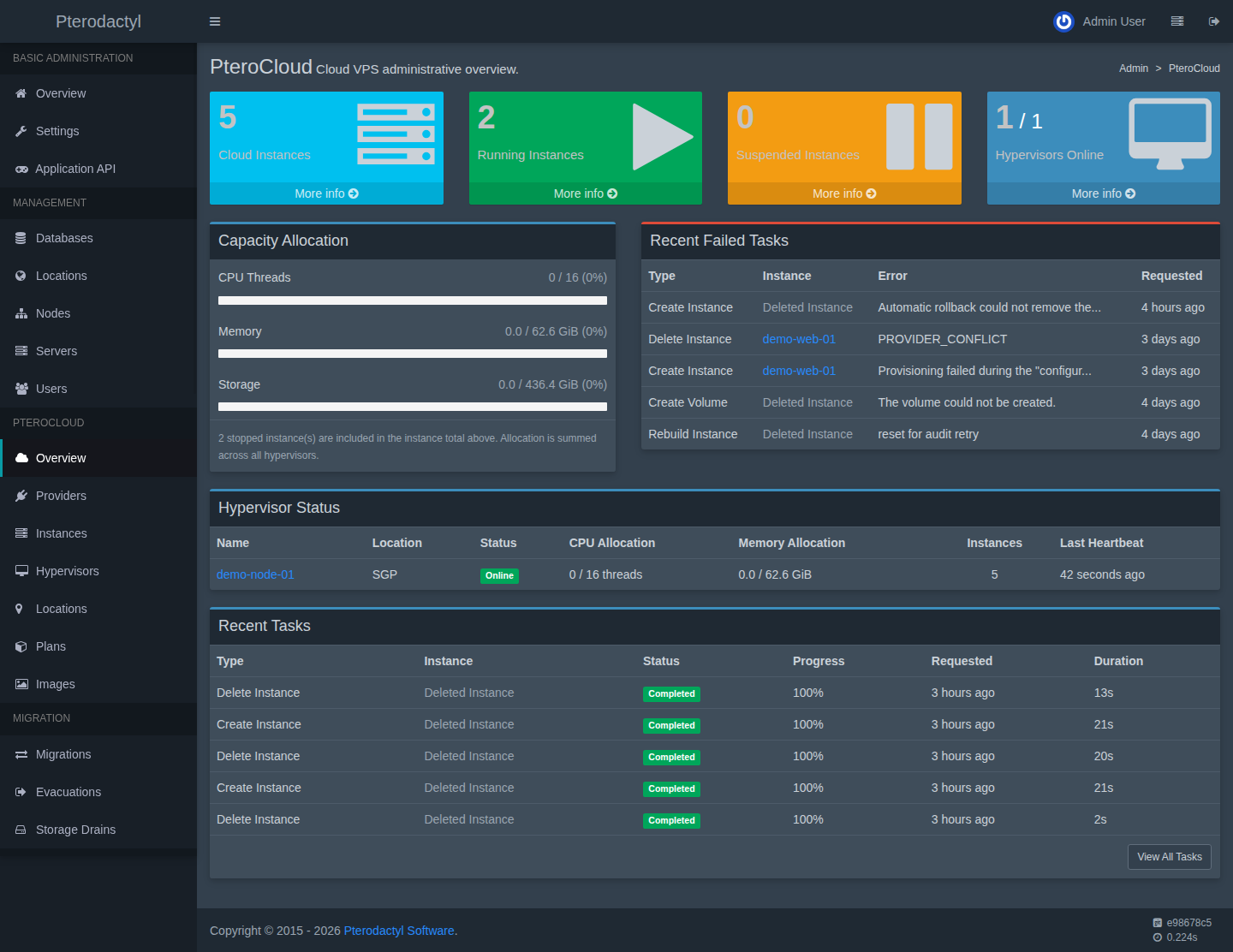
Path A — native Ubuntu (recommended)
From a checkout of the repository on the host, as root:
sudo bash deploy/provision-ubuntu.sh /path/to/PteroFusion panel.example.com
The script installs nginx + PHP-FPM 8.3 + MariaDB + Redis + Node 22, creates the
database, deploys panel/ to /var/www/pterocloud, fills .env from
deploy/.env.production.example, runs composer install, key:generate,
migrate and yarn build:production, installs the nginx site and the
queue/scheduler systemd services, and prints the generated database password. It
is safe to re-run and will not clobber an existing .env.
Path B — manual install
# 1. copy the tree
sudo rsync -a --exclude vendor --exclude node_modules --exclude .env \
    panel/ /var/www/pterocloud/
cd /var/www/pterocloud

# 2. configure
cp /path/to/PteroFusion/deploy/.env.production.example .env
# edit .env: APP_URL, DB_*, and a strong PTEROCLOUD_CONSOLE_GATEWAY_SECRET
php artisan key:generate

# 3. dependencies + schema + assets
composer install --no-dev --optimize-autoloader
php artisan migrate --force
yarn install --frozen-lockfile && yarn build:production
Then install the nginx site and the services:
sudo cp deploy/nginx.conf /etc/nginx/sites-available/pterocloud
sudo ln -sf /etc/nginx/sites-available/pterocloud /etc/nginx/sites-enabled/pterocloud
sudo nginx -t && sudo systemctl reload nginx

sudo cp deploy/pterocloud-queue.service deploy/pterocloud-scheduler.service /etc/systemd/system/
sudo systemctl daemon-reload
sudo systemctl enable --now pterocloud-queue pterocloud-scheduler
Finally, TLS:
sudo apt-get install -y certbot python3-certbot-nginx
sudo certbot --nginx -d panel.example.com
Path C — extension only (development)
- Place the extension at
panel/extensions/pterocloud. - Run migrations (never
migrate:freshon a live install):
php artisan migrate
- Clear caches:
php artisan config:clear && php artisan cache:clear && php artisan view:clear
Environment variables
| Variable | Purpose |
|---|---|
APP_URL |
The panel's public URL (TLS). |
KRAPPLE_PRODUCT |
Product slug (pterocloud). |
KRAPPLE_LICENSE_KEY / KRAPPLE_LICENSE_KEY_FILE |
License key (env or protected file). |
PTEROCLOUD_VERSION |
Installed extension version (default 1.0.0). |
PTEROCLOUD_CONSOLE_GATEWAY_URL |
Console gateway WebSocket URL. |
PTEROCLOUD_CONSOLE_GATEWAY_SECRET |
Shared secret for the gateway internal API. |
PTEROCLOUD_AGENT_DRIVER |
Task driver: mock (default), agent, or proxmox per hypervisor. |
Secrets
Keep .env readable only by the panel user (mode 0600) and never commit
it. The console-gateway secret and any provider token are credentials.
Workers
Provider, task, backup and default queues are driven by workers:
php artisan queue:work --queue=pterocloud-tasks,pterocloud-provider,pterocloud-default
With QUEUE_CONNECTION=sync everything runs inline (development only).
Verify
php artisan pterocloud:health
php artisan pterocloud:compatibility
php artisan pterocloud:verify
See Verification.
Uninstall
See Uninstall.