Rebuild / Reinstall
Rebuild recreates an instance's root from a chosen image while preserving its identity.
Safe order
stop → destroy → recreate on the SAME VMID → configure → start → verify
     → commit the image swap
The old root is removed only where the provider allows and only after the new root boots.
Preserved by default
- IP address
- hostname (optional)
- SSH keys (optional)
- attached volumes
- MAC address
Fresh identity
- A new unique credential is issued.
- A new Cloud-Init run regenerates
machine-id/ SSH host keys.
Locks
A rebuild refuses to start while any other mutation lock is held (migration,
restore, rescue, resize, HA) and holds REBUILD itself.
Confirmation
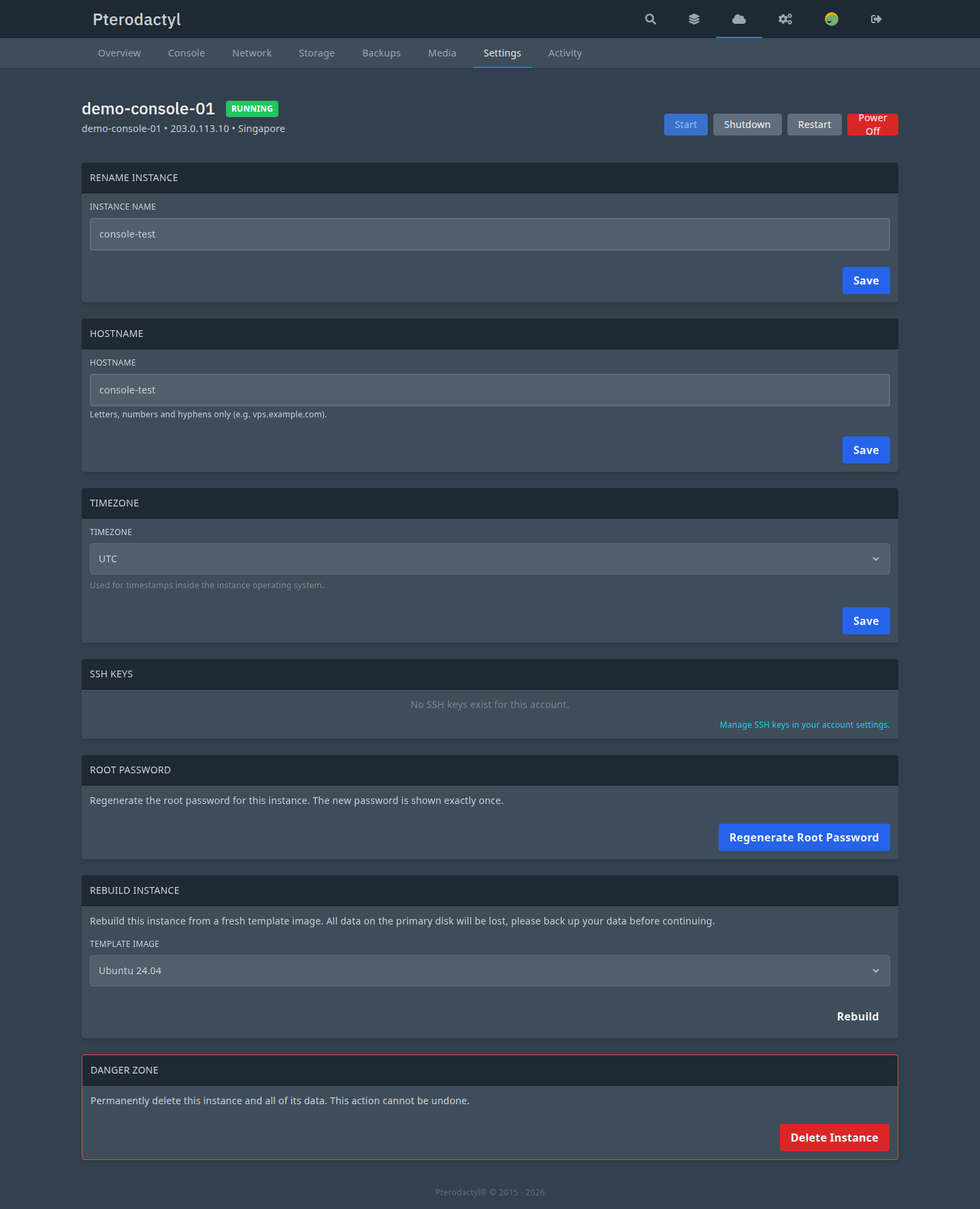
Rebuild is destructive: all data on the primary disk is erased and the instance must be stopped first. The UI requires explicit confirmation.
Error codes
REBUILD_FAILED, REBUILD_CONFIRMATION_REQUIRED, INSTANCE_MUTATION_LOCKED.
Related
- Media / ISO
- Provisioning
PC-PROV-###in the error reference