Verification
After installation (and after every upgrade), run the verification commands and confirm each is green before opening the service to users.
Commands
php artisan pterocloud:verify
php artisan pterocloud:health
php artisan pterocloud:compatibility
php artisan pterocloud:setup:verify
| Command | What it checks |
|---|---|
pterocloud:verify |
Installation integrity and core wiring. |
pterocloud:health |
Operational health of the backend services (queue, scheduler, database, providers, networking, storage, backups). |
pterocloud:compatibility |
PHP / Pterodactyl / Blueprint / database / Redis / OS / gateway / agent / provider compatibility. |
pterocloud:setup:verify |
First-VPS readiness: READY, READY_WITH_WARNINGS or NOT_READY. Exit code 1 while NOT_READY. |
The setup assistant
The setup assistant reads the real backend configuration and reports
READY / READY_WITH_WARNINGS / NOT_READY. It is never READY while a core
dependency is missing.
Steps: License → Provider → Hypervisor → Location → Networking → IP Pool →
Storage → Image → Provisioning Defaults → Plan → Test VPS → Verification.
resume_step points at the first unfinished step.
php artisan pterocloud:setup:verify
php artisan pterocloud:setup:verify --json
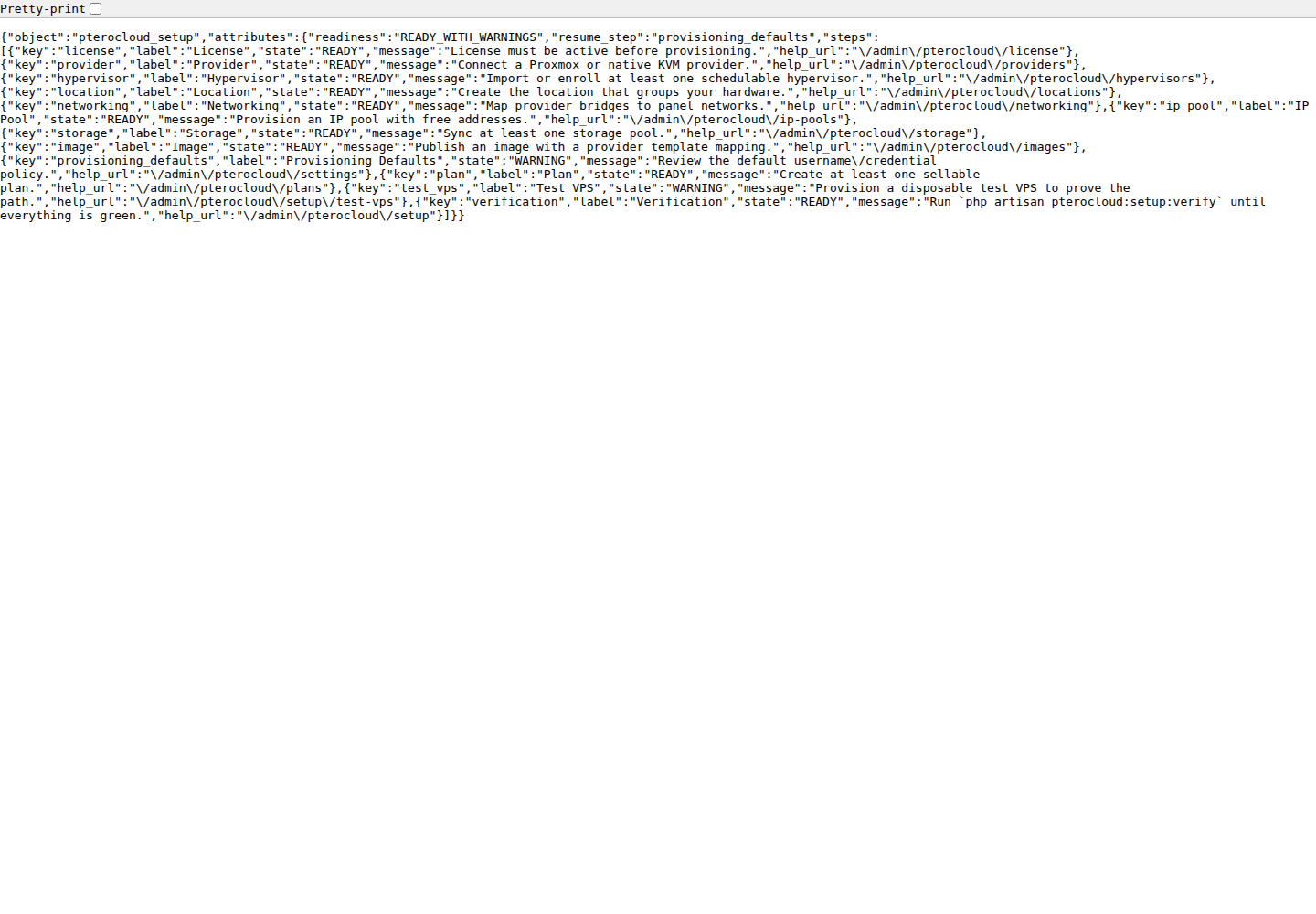
The admin endpoint GET /admin/pterocloud/setup returns the same readiness
report; it is read-only and never mutates configuration.
Health output
pterocloud:health links a failing component to its error code, diagnostic
command and documentation article. The Support Center shows the same information
as cards.
Compatibility
See Compatibility for how each component is
judged and how to interpret UNTESTED.