Backups & Snapshots
A backup is a durable recovery artifact, independent of the VM's storage. A snapshot is a fast restore point tightly coupled to the VM/provider. They are different products.
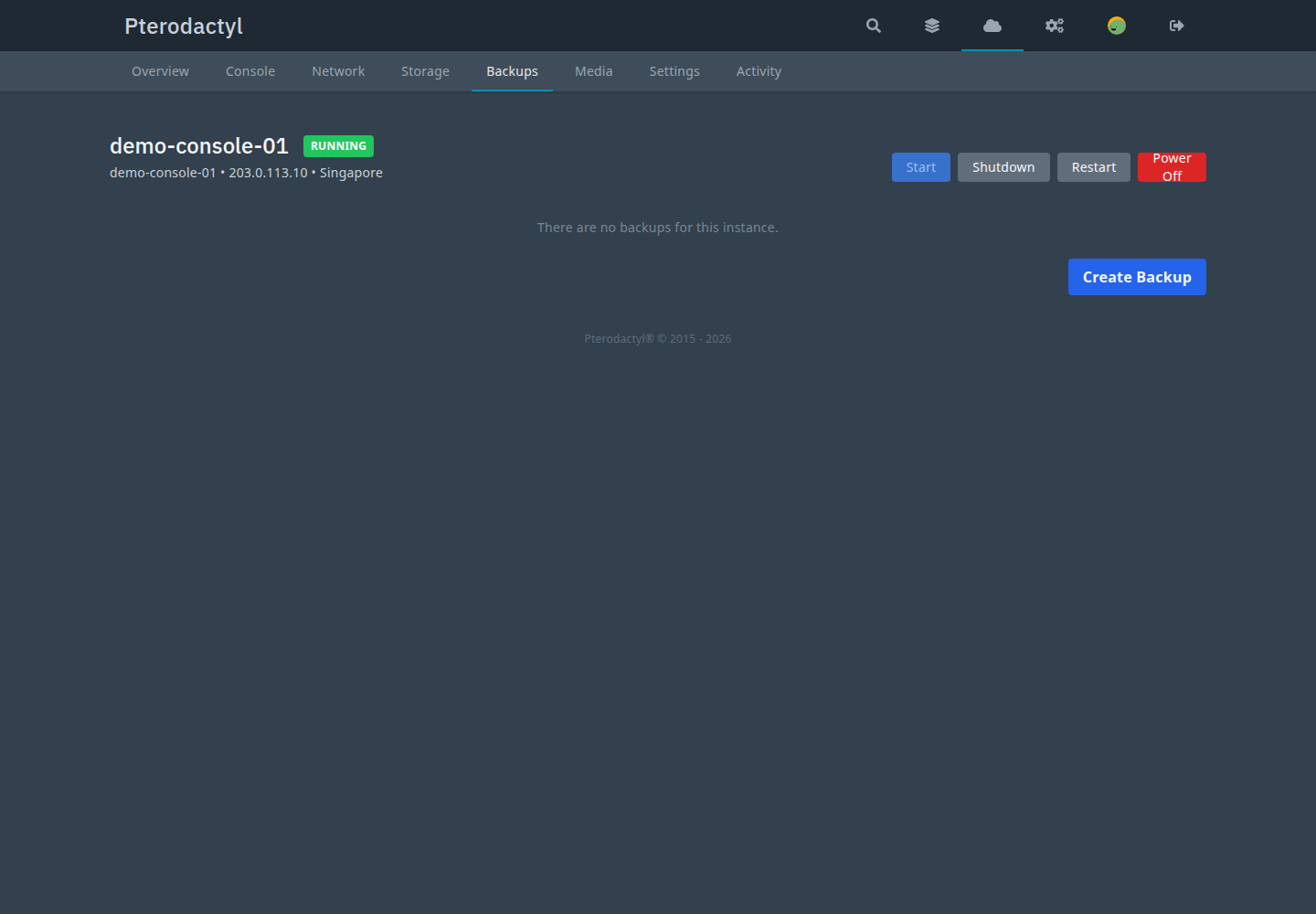
Backups
Flow
- A create request validates ownership, plan allowance, count/quota and destination availability.
- A backup row is created (
queued) and aBACKUP_CREATEtask is queued; the HTTP call returns immediately. - A provider backup starts; the UPID is stamped on both the backup and the task, and a monitor polls it (worker-restart safe).
- If the policy asks and the destination supports it, verification runs. Retention then prunes older artifacts.
Types and source
- Type:
full,incremental(provider/destination gated). - Source:
manual,scheduled,admin,pre_migration,pre_rebuild,pre_upgrade,pre_restore,system.
Status
queued → preparing → running → finalizing → verifying → completed, with
failed, cancel_requested, cancelled, deleting, delete_failed,
restoring, expired, orphaned.
Consistency and compression
The system records what was genuinely achieved (crash_consistent,
filesystem_quiesced, unknown) and never claims application consistency it
did not verify. Compression is mapped to a provider mode; customers never pick a
raw algorithm.
Restore
- Restore in place — reverts the instance's disk to the backup.
- Restore as new — provisions a new instance from the backup.
- Verify — checks the artifact where the destination supports it.
- Protect — excludes the backup from retention.
Deletion
Deleting is explicit and confirmed. Protected backups must be unprotected first.
A provider delete failure parks the row in delete_failed; the record is never
removed as if it succeeded. Records are soft-deleted so the audit trail
survives.
Quota vs retention vs capacity
Three distinct concepts: the count limit (plan), the storage quota (plan
backup_quota_gb) and retention (policy). None is the provider
destination's physical capacity.
Backup schedules
Customers create backup schedules per instance (name, frequency, retention). Schedules are timezone-aware.
Snapshots
A snapshot is not a backup
A snapshot may live on the same storage as the VM and is not guaranteed to survive storage or node loss. Use backups for durable disaster recovery.
- Create with a friendly name (+ optional description and, when the plan allows, memory state). The display name is mapped to a provider-safe identifier.
- Restore reverts the VM disk to the snapshot. This is destructive and
requires explicit confirmation. On an uncertain provider failure the snapshot
is marked
restore_failed(never claimed as rolled back); the snapshot row is never deleted by a restore. - Delete is blocked while restoring or provider-locked.
Commands
php artisan pterocloud:backup:health
php artisan pterocloud:backup:inspect <backup_uuid>
php artisan pterocloud:backup:audit
php artisan pterocloud:snapshot:inspect <snapshot_uuid>
Related
- Troubleshooting: backup
PC-BAK-###in the error reference