Media / ISO
The Media tab lets a customer mount an admin-approved ISO and boot from it.
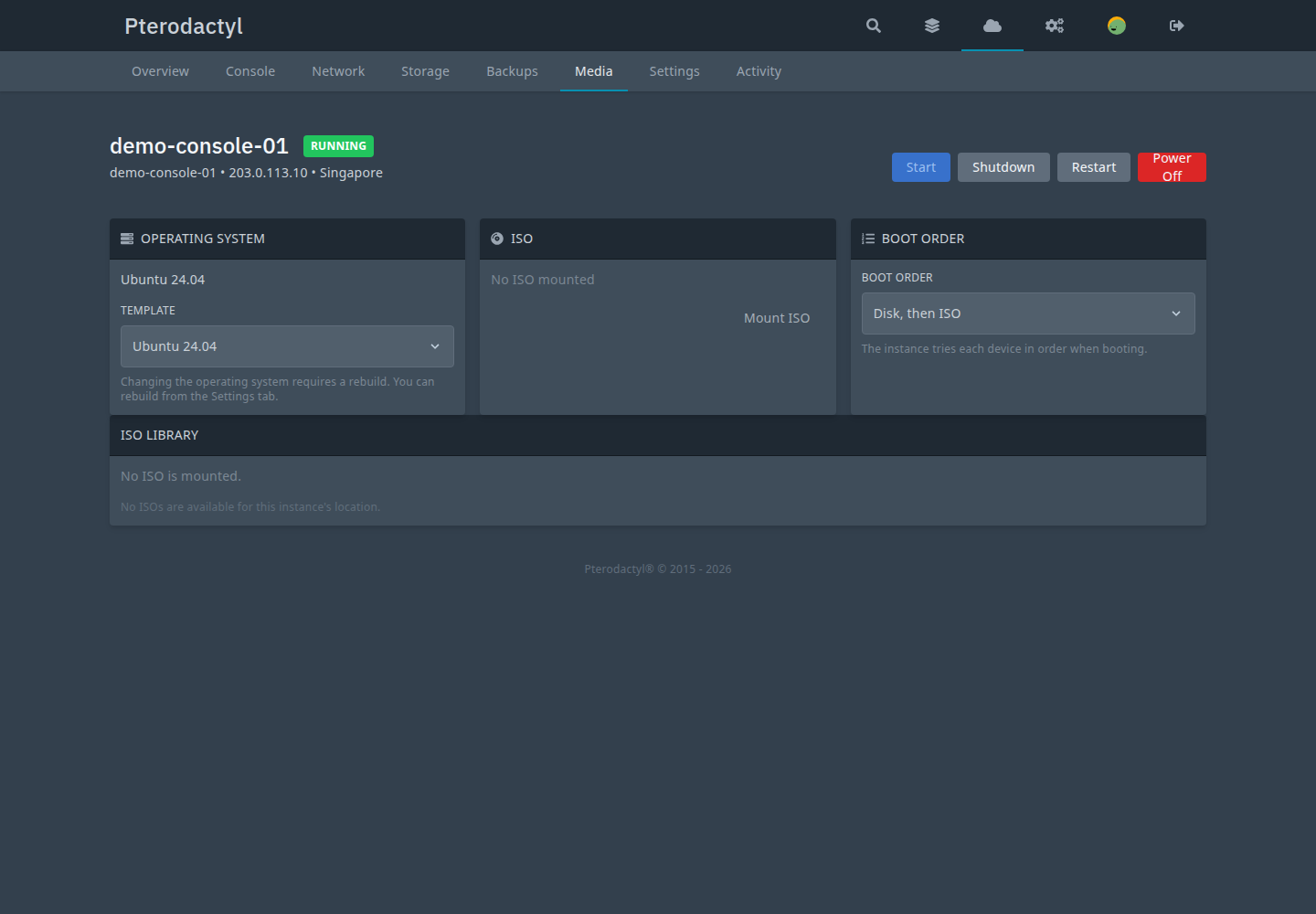
ISO library
The ISO library is admin-managed. Each ISO has a filename identity, size, checksum, visibility and status, plus a provider mapping (connection + storage + provider volume id).
- Adopt — register an ISO that already lives on a provider storage (zero transfer).
- URL import — an SSRF-guarded URL is downloaded by the provider (the
panel never streams multi-GB files). The ISO starts
importing.
Mount and boot
- Mount — requires the ISO to be public, ready and mapped for the instance's connection. Mounting is task-tracked and does not change boot order.
- Unmount — clears the CD-ROM; the ISO stays in the library.
- Boot From ISO — mounts and sets a one-time boot intent
(
iso_boot_pending), capability-dependent.
Library removal never deletes provider files.
Rebuild pointer
Changing the operating system requires a rebuild. You can rebuild from the Settings tab.
Related
- Images
- Rebuild
PC-IMG-###/PC-STO-###in the error reference