
Appearance
Settings
Admin → Extensions → Player Manager → Settings.
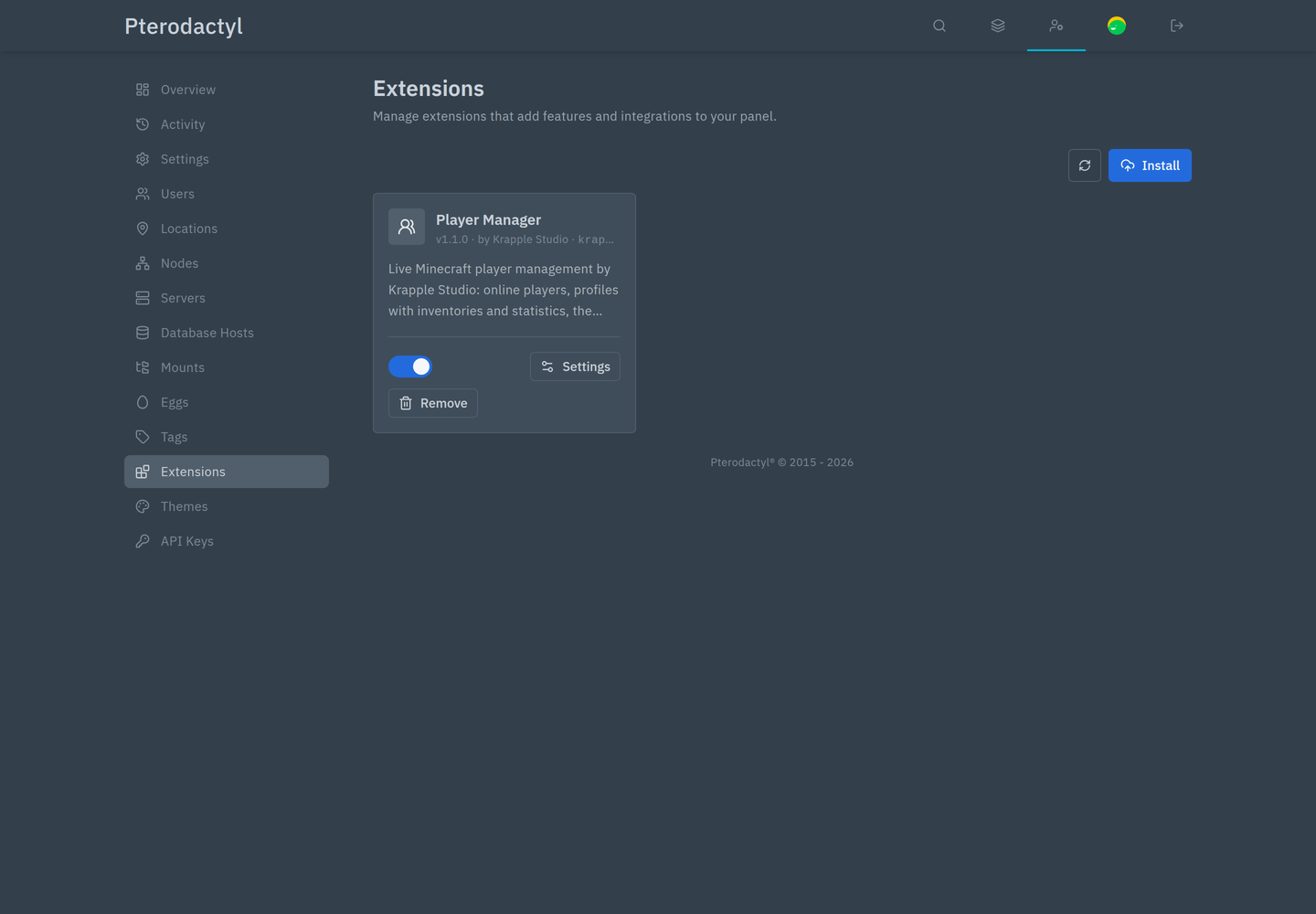
The settings open in one dialog with a Section selector at the top: Connection, Live updates, Features, Images and History. Save settings applies them.
Settings apply to the whole panel. An individual server can override the connection method and RCON details for itself under Player Manager → More → Connection settings.
Connection
| Setting | Default | What it does |
|---|---|---|
| Connection method | Automatic | Automatic uses RCON when it works and falls back to the console; RCON only never falls back; Console only never uses RCON. |
| Set up RCON automatically | On | Turns on RCON in server.properties, picks a free port and a random password, and assigns that port to the server. Servers configured by hand are left alone. |
| Restart empty servers to turn RCON on | On | Minecraft reads server.properties only at startup. When on, a newly set-up server restarts itself as soon as no player is online. It never restarts a server with players, and never twice within 30 minutes. |
| Keep the console quiet | On | Stops the server echoing every RCON command via the logAdminCommands and sendCommandFeedback game rules. Players still see the results of their own commands. |
| RCON timeout | 3 s | How long to wait for RCON before falling back. In Automatic mode the wait is capped at 2 s so a dead connection never stalls a page. |
| Keep RCON connections open | On | Reuses one connection per page load instead of reconnecting for every command, which means fewer console lines and less latency. |
| Use server list ping | On | Reads the player count, version, MOTD and up to 12 names without touching the console. |
| Read results from the console | On | Without RCON, runs read-only commands through the console and reads the answer from its output. |
What the choices mean in practice
- Turning Set up RCON automatically off stops Player Manager from editing
server.propertiesor allocations. Existing RCON setups keep working. - Restart empty servers off is the cautious choice if restarts must be scheduled. RCON then comes up at the next restart that happens anyway.
- Keep the console quiet off restores the server's normal command echoes, which some admins like for auditing. History records the same actions either way.
- RCON timeout above 5 s is only useful on a slow network. On a normal node, 3 s is generous.
Live updates
| Setting | Default | What it does |
|---|---|---|
| Player list refresh | 10 s | How often the tab refreshes. Joins and leaves seen in the console refresh it immediately, so this is a backstop. |
| Player page refresh | 5 s | How often an online player's page refreshes health, position and inventory. Over the console this is at least 30 s. |
| Live inventories | On | Reads inventories live, one item per command. Off shows the last save instead. |
Polling stops while the browser tab is hidden and resumes when it is visible again.
Features
| Setting | Default | What it does |
|---|---|---|
| Gameplay tools | On | Enables game mode, teleport, give, effects, experience, heal, feed, message, clear inventory, kill, and the inventory editor's commands. When off, the API refuses those actions, not just hides them. |
| Inventory editor | On | Enables the Edit button and all item actions. |
| Most items given at once | 640 | Upper limit for the give dialog. Minecraft caps most items at 64 per slot, so 640 fills an inventory. |
| Kick reasons | 3 presets | One-click reasons in the kick dialog, up to 10. |
| Ban reasons | 4 presets | One-click reasons in the ban dialog, up to 10. |
The default kick reasons are Please read the rules., Server restart, rejoin in a minute. and AFK for too long. The default ban reasons are Griefing, Cheating, Harassment and Spam or advertising.
Images
| Setting | Default | What it does |
|---|---|---|
| Player head URL | https://mc-heads.net/avatar/{id}/{size} | Where player heads come from. {id} becomes the UUID on online-mode servers and the name otherwise; {name}, {uuid} and {size} also work. Point it at your own cache if the panel is offline or you want no third-party requests. |
| Item icons | Wiki renders, then textures | Which item icons are shown. No images draws lettered tiles and makes no external requests. |
Both image settings affect only the browser. The extension works without either.
History
| Setting | Default | What it does |
|---|---|---|
| Keep history for (days) | 30 | Older entries are deleted. Cleanup runs on roughly one in fifty actions. |
Per-server overrides
Player Manager → More → Connection settings, for users with the Connection permission. These apply to that server only and override the panel settings:
| Field | Effect |
|---|---|
| Method | Panel default, or a per-server automatic, RCON-only or console-only choice |
| RCON host | Leave empty to use the allocation IP, then its alias, then the node's address |
| Port | Leave empty to use rcon.port from server.properties |
| RCON password | Overrides the file. Stored encrypted; leave empty to keep using the file. |
The dialog also shows what it detected: whether RCON is enabled, the port, whether a password is set, and whether the port belongs to this server.
Buttons:
- Set up RCON runs the setup immediately and clears any overrides first.
- Restart now appears while RCON is waiting for a restart. It needs the server's own Restart permission, and it restarts even with players online because you asked explicitly.
- Test RCON connects and runs a command, reporting the latency or the exact error.