
Appearance
File Manager Pro
by Krapple Studios
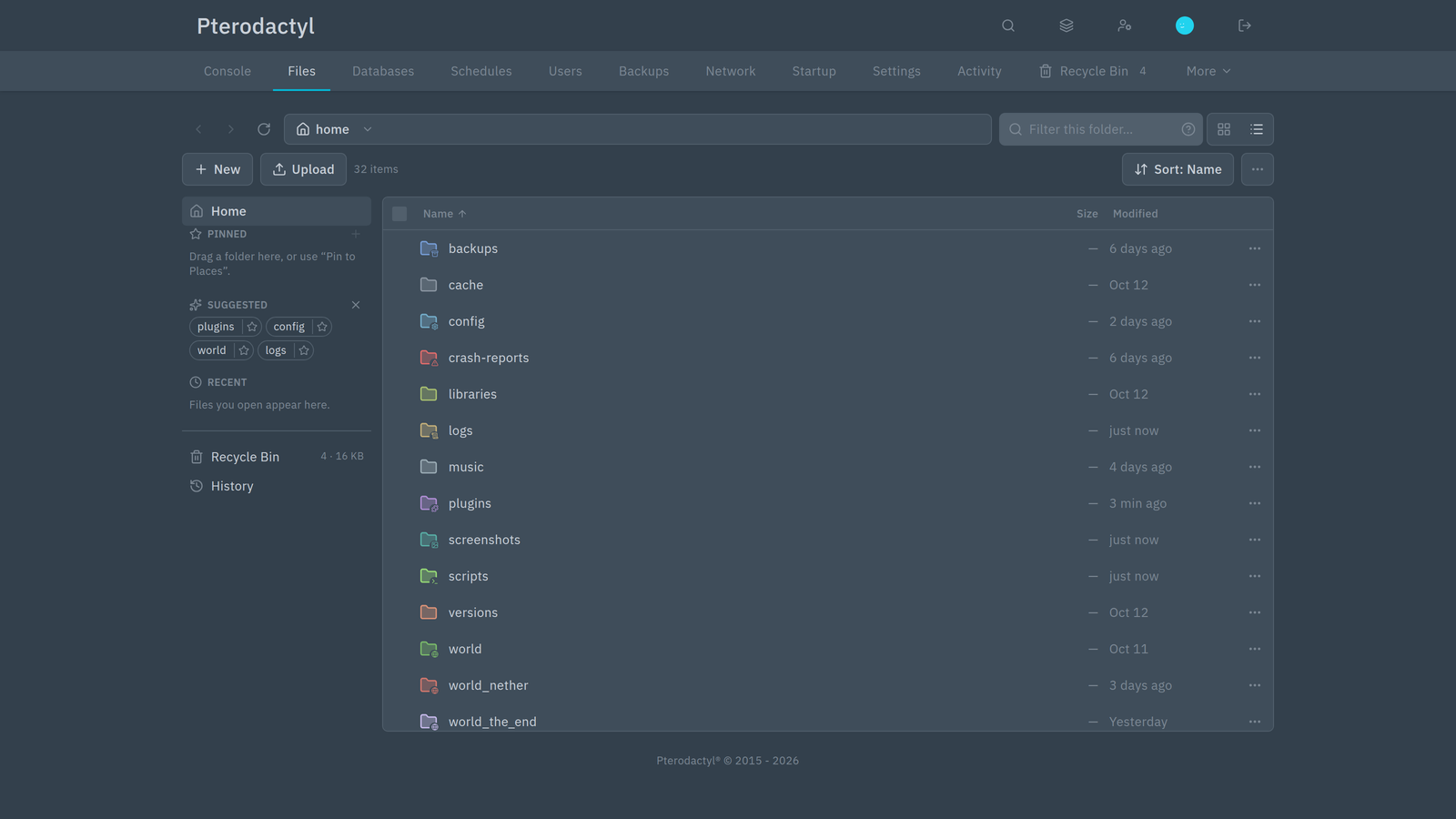
File Manager Pro replaces the server file manager in Pterodactyl Panel 2.0 with one that is faster and much harder to break by accident. You get a familiar desktop-style file browser — grid and list views, thumbnails, drag and drop, keyboard shortcuts — plus two safety nets that a plain file list does not have:
- A Recycle Bin. Deleting a file no longer means it is gone. Deleted items are kept for a few days and can be restored, with an Undo on every destructive action.
- File history. Config files keep their previous versions, so a bad edit can be rolled back from a timeline with a side-by-side diff.
It also previews files without opening the editor, including images, logs, archives, audio, video and SQLite databases.
What you can do
Browse and organise
- Grid and list views with real thumbnails, coloured file-type icons and a details pane.
- Places sidebar for pinned folders, suggested folders (plugins, configs, worlds, logs) and recent files.
- Multi-select with click, Shift and Ctrl, or drag a box around items.
- Drag and drop to move files, hold Ctrl to copy.
- Cut, copy and paste across folders, with Replace / Keep both / Skip when names clash.
- Upload files and whole folders, with a progress queue you can cancel and retry.
- Bulk rename with a live preview, so you can see the result before anything changes.
- Compress and extract archives, and download several items as one archive.
- Full keyboard support — press
?to see every shortcut.
Look before you open
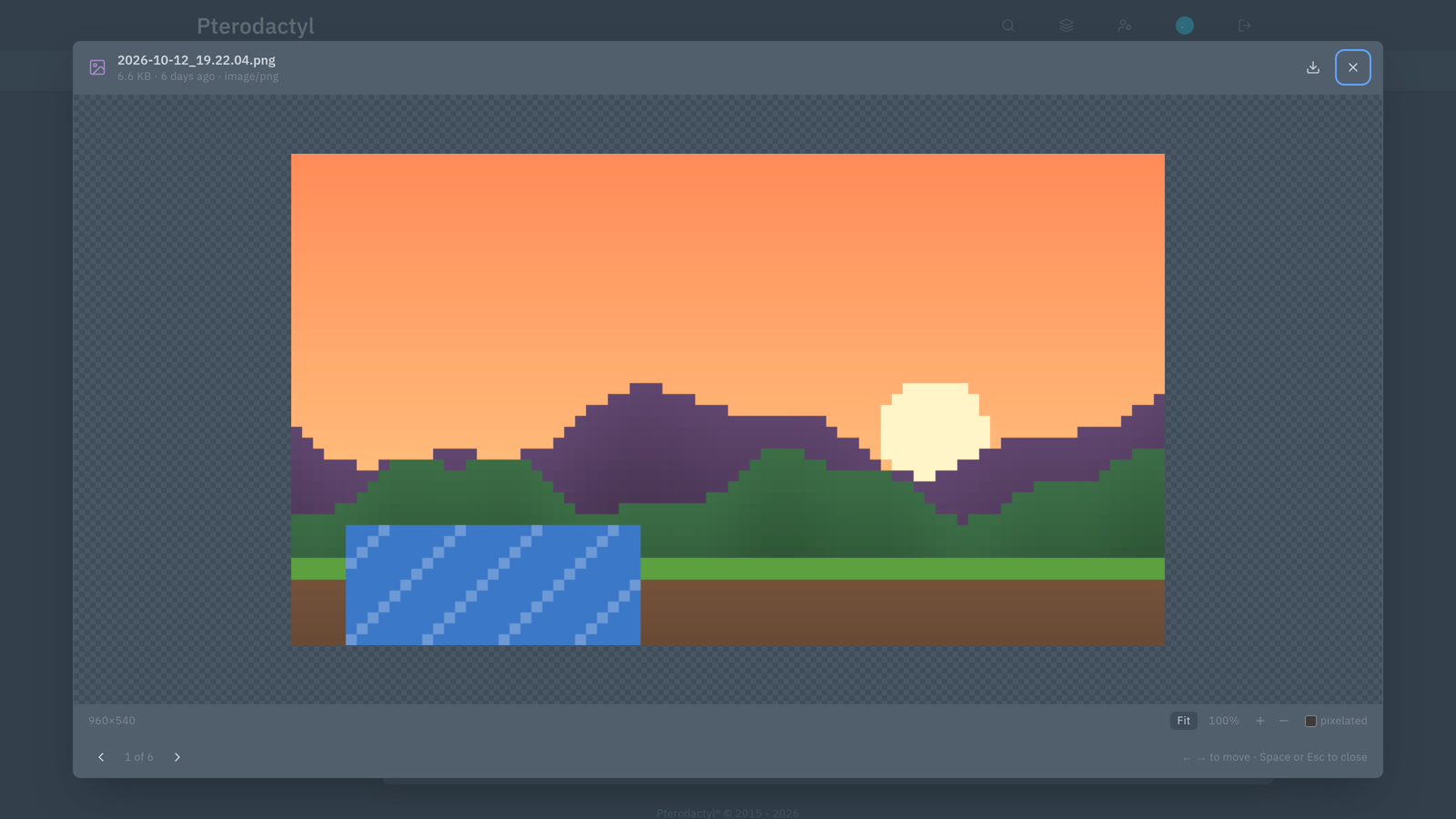
Press Space on a file for Quick Look:
- Images, with zoom and pan
- Text and code, with syntax highlighting
- JSON trees, Markdown and
.propertiestables - Logs, with level filters and search
- Zip and tar contents
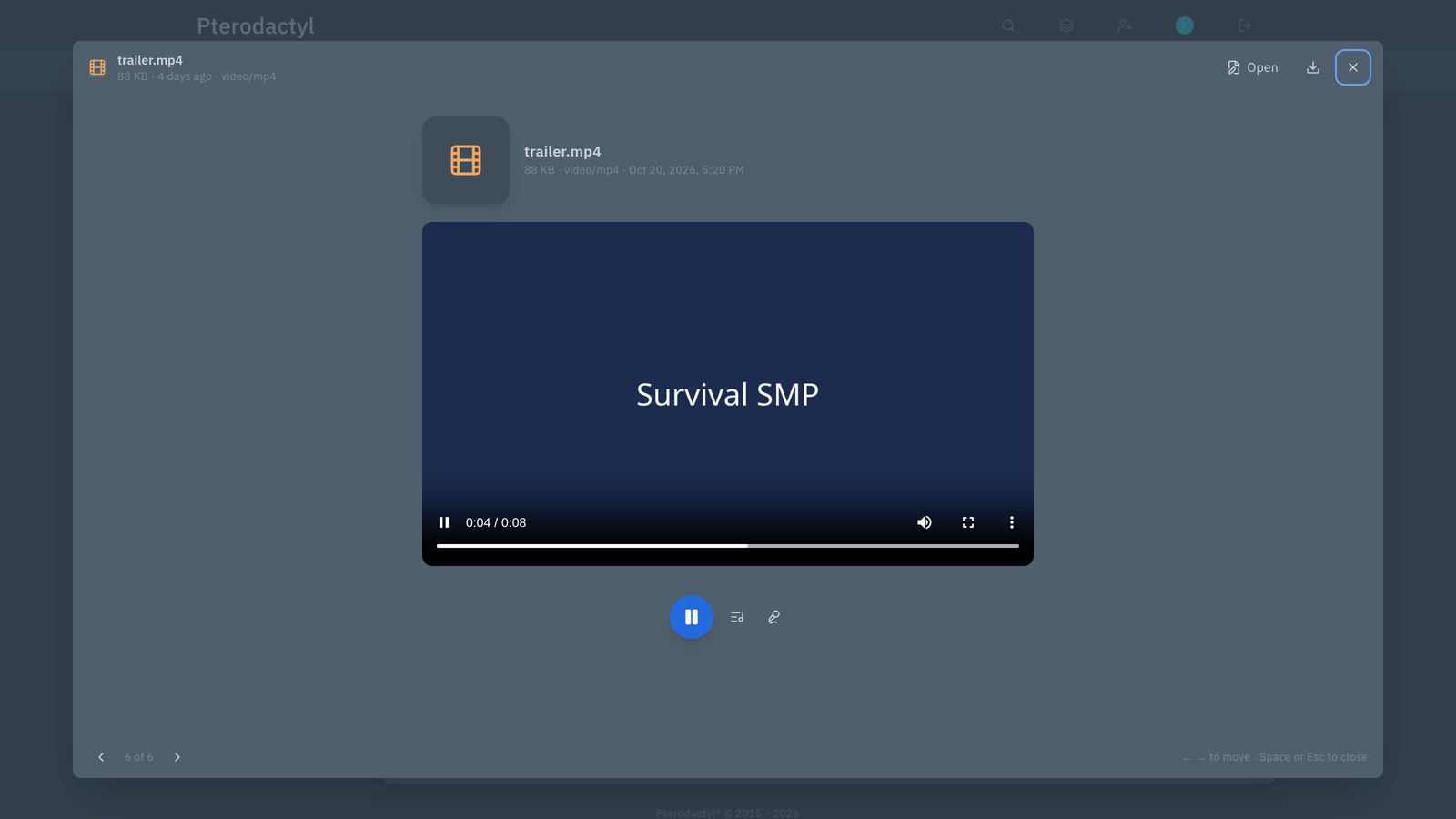
- Audio and video, with a player, queue and synced
.lrclyrics - SQLite databases in a read-only table browser
Undo a mistake
Deleted files move to the Recycle Bin inside your server, so restoring is instant.
- Restore an item, or restore it to a different folder.
- Undo straight after a delete from the toast.
- See who deleted what, and empty the bin when you are sure.
TIP
The Recycle Bin counts toward your server's disk limit. If your disk is full after deleting files, empty the bin to reclaim the space.
Roll back a config
Every save through the panel creates a version of a config file. Open History beside a file to see:
- a timeline of changes, with who changed it and when
- side-by-side and unified diffs
- restore any earlier version (a restore can itself be undone)
- pin the versions you want to keep, and label the important ones
Screenshots
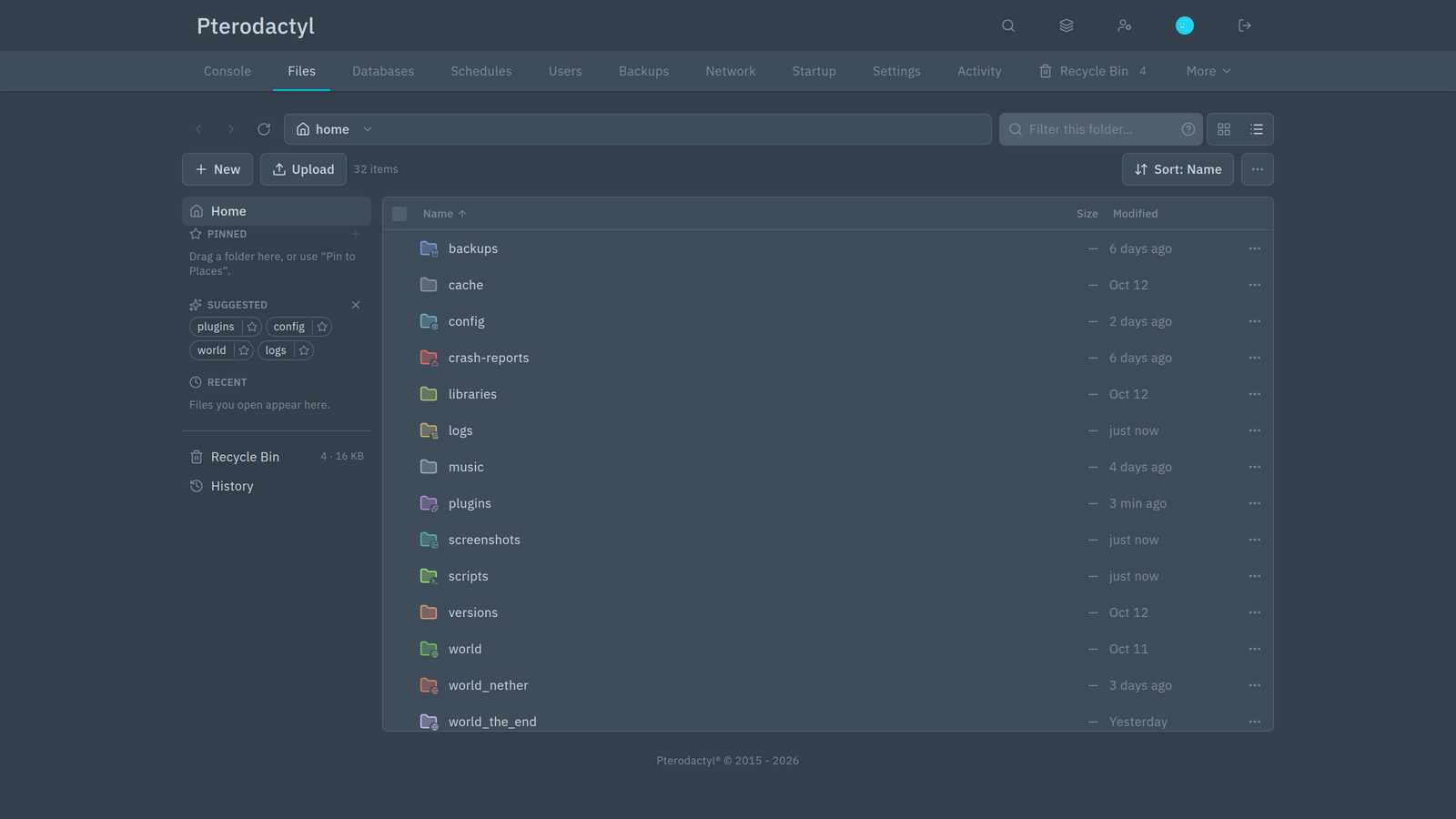 | Grid view over the server root, with coloured folders and file-type icons. |
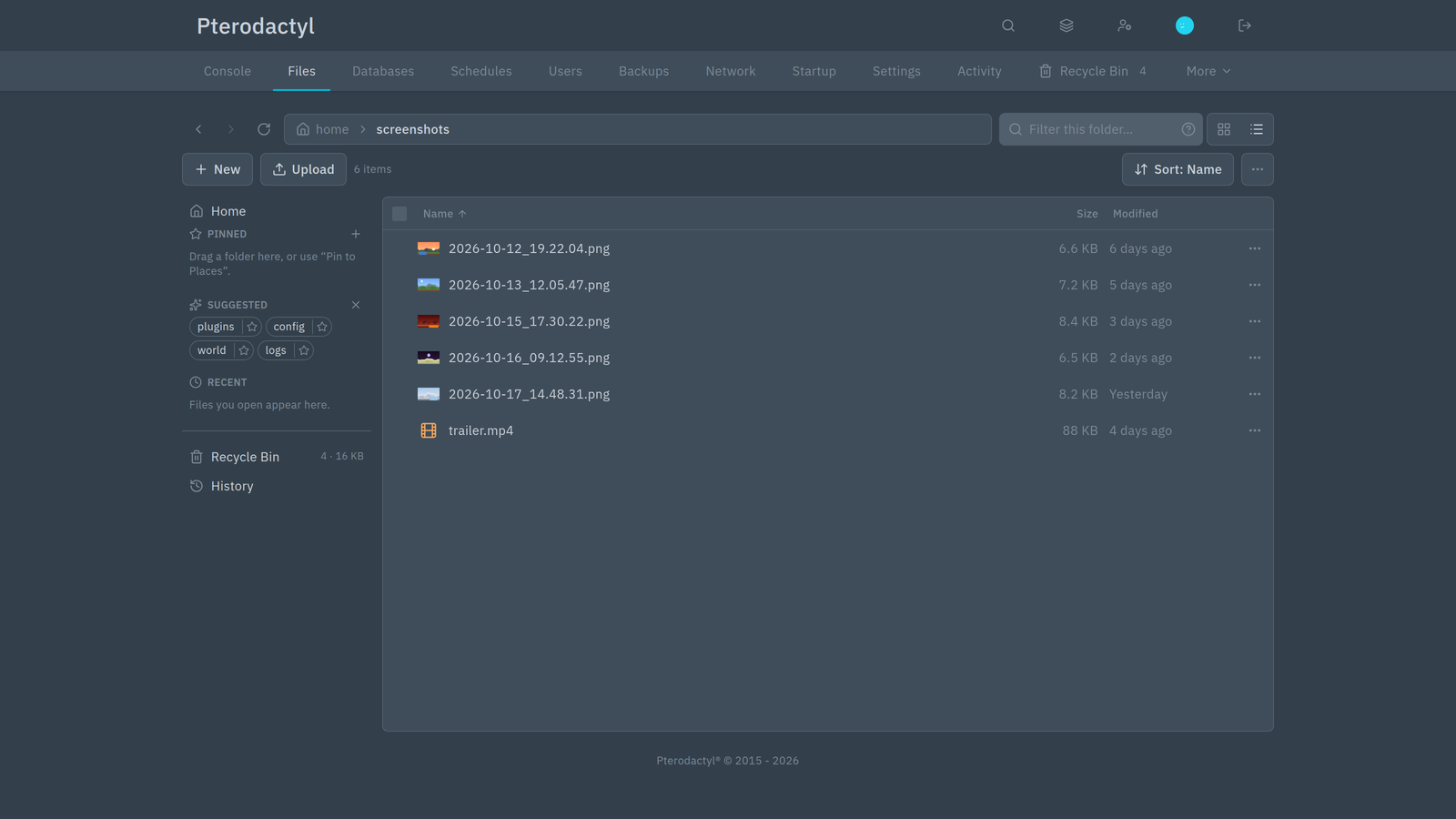 | Thumbnails for a folder of images, with modified dates. |
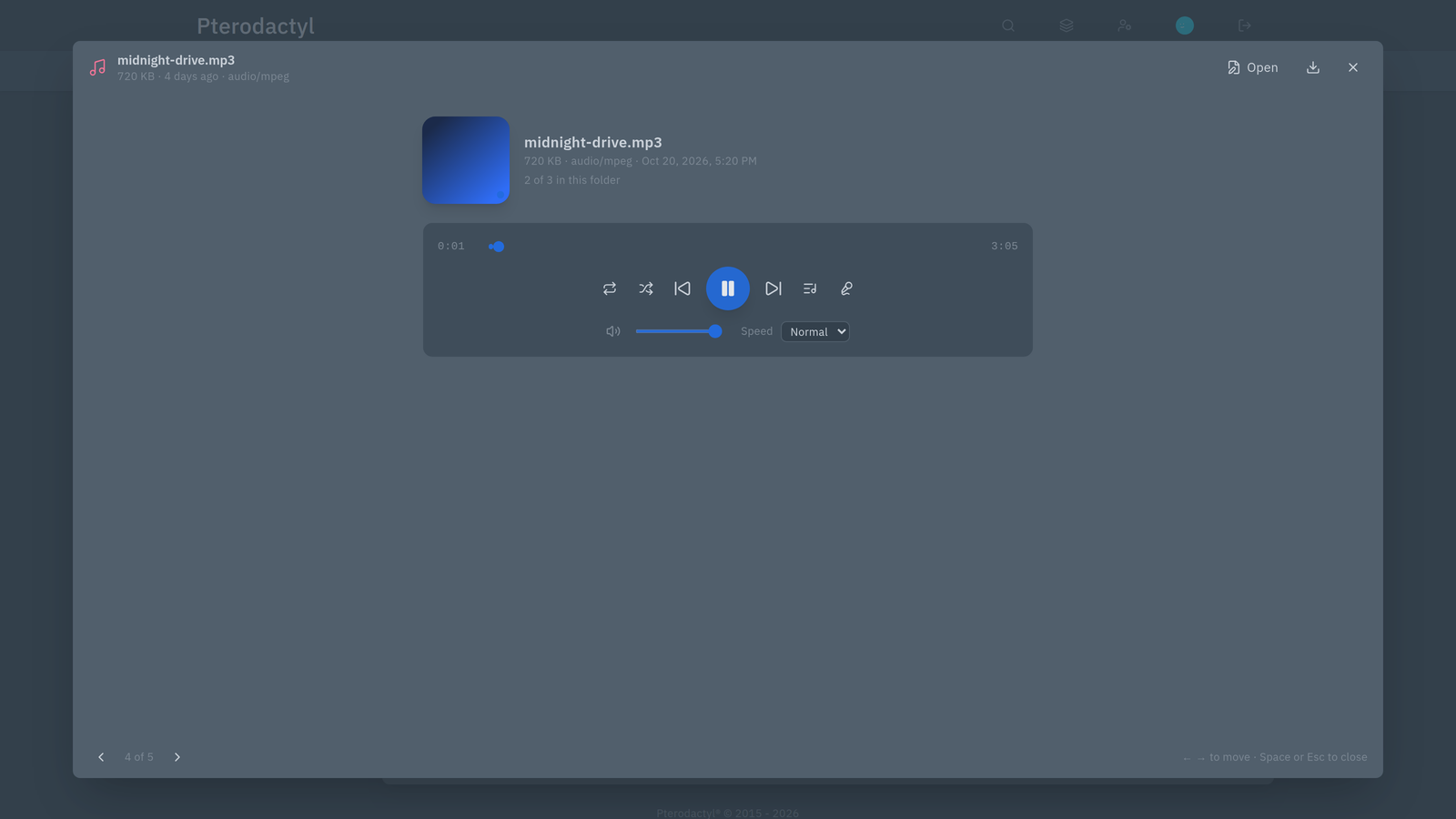 | The media player: cover art, seek bar, queue, shuffle and repeat. |
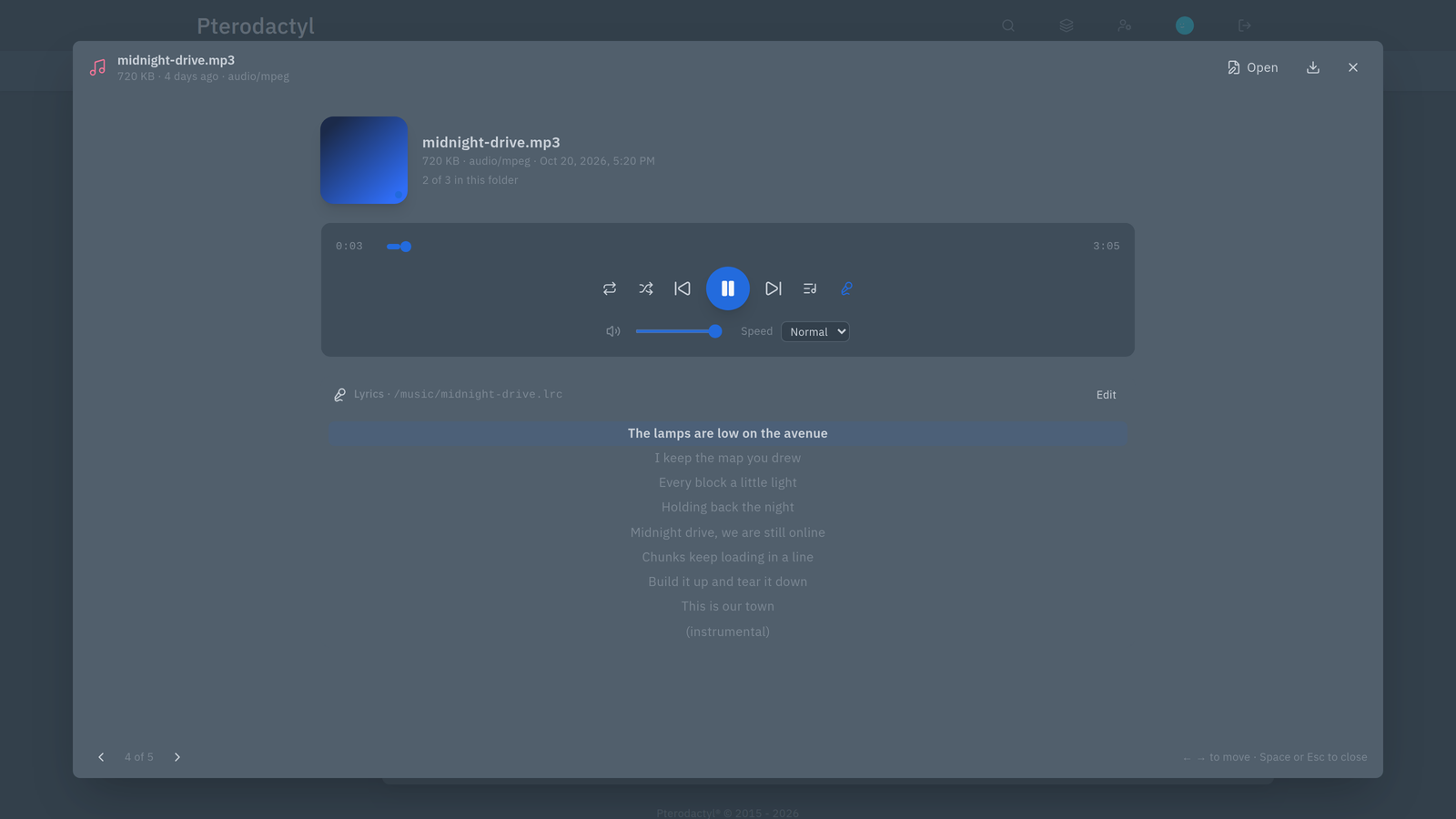 | Synced lyrics from a .lrc file beside the song. |
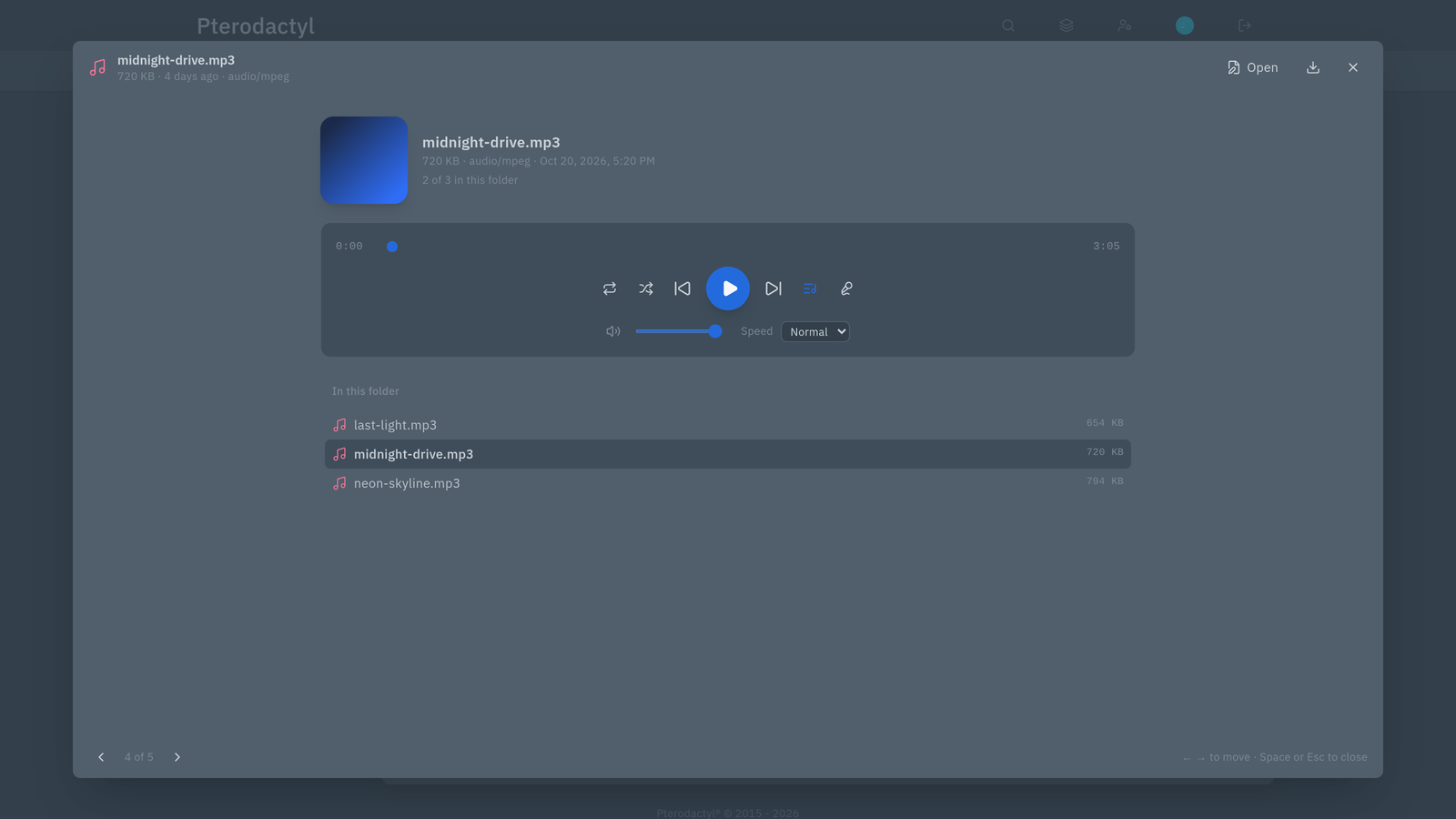 | The queue — every other playable file in the folder. |
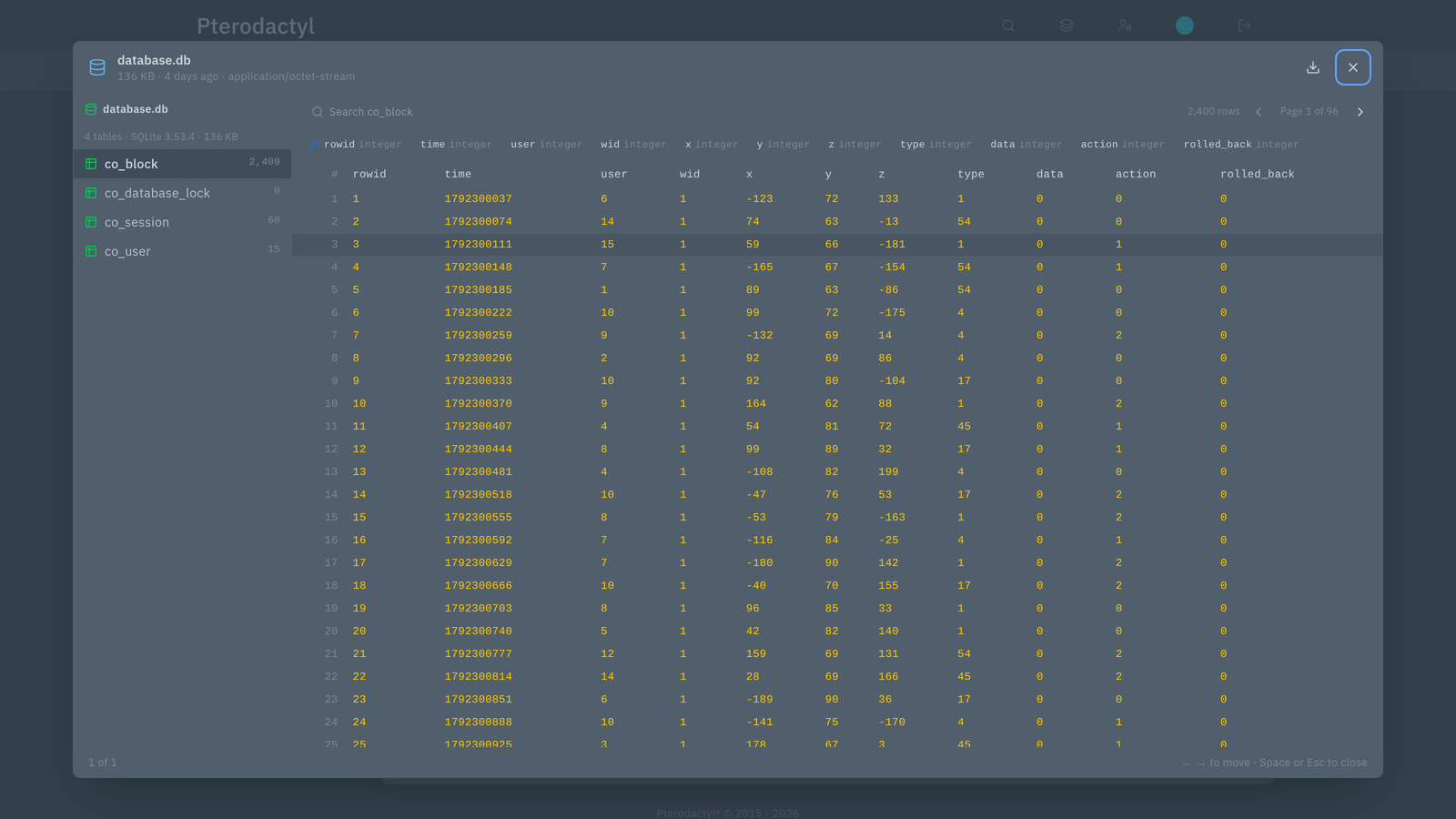 | The database viewer on a plugin database: tables, columns and a paged grid. |
Requirements
| Panel | Pterodactyl 2.0 (v2.0.0-beta.2 or later) |
| PHP | 8.3 or newer |
| Panel services | The panel's scheduler and queue worker must run. They expire old Recycle Bin items, prune old versions and clean caches. |
Without the scheduler and queue worker the file manager still works, but the Recycle Bin will keep items longer than intended and some maintenance steps stay pending. The admin area warns when that is the case.
Install
For panel administrators:
- Admin → Extensions → Upload, choose
file-manager-pro-1.1.0.pteroext, then Enable. - Optionally do the same with
file-manager-pro-editor-1.1.0.pteroextfor the companion editor. - Review the settings under Admin → Extensions → File Manager Pro.
- Grant the File Manager Pro permissions to the users or subusers who need them.
From the command line, in the panel directory:
sh
php artisan p:extension:install file-manager-pro-1.1.0.pteroext --enable
php artisan p:extension:install file-manager-pro-editor-1.1.0.pteroext --enable   # optional
php artisan optimize:clear
Enabling does not modify the panel's core files. See Installation for the full guide, including upgrading from 1.0.0.
Change tracking for SFTP edits
Saves made in the panel are always versioned. Edits made over SFTP or by plugins bypass the panel, so they are not versioned unless you turn on change tracking for that server (History → ⚙ Track changes). File Manager Pro then checks the files you choose every few minutes and stores a version when the content really changed.
Good to know
- Folders show at most 250 entries. That is the panel's own listing limit. Use the filter, or SFTP for very large folders.
- The Recycle Bin cannot catch every delete. Deletes made over SFTP, by the game itself or by a plugin never reach the panel, so they cannot be recovered from the bin.
- The bin is excluded from backups automatically, so it does not inflate your backups.
- Uninstalling keeps your data. Settings, history and stored versions survive a reinstall; files already in the Recycle Bin stay there until you remove them.
Companion editor
The optional File Manager Pro Editor adds tabs, live checks for YAML, JSON, TOML and .properties, autocomplete and a diff before you save. It needs File Manager Pro to be enabled. See Editor.
Getting help
Include the following in a support request:
- the error code shown in the message (for example
quota_fullorpermission_denied) - your panel version and the File Manager Pro version
- what you were doing at the time
See Troubleshooting for common problems and what causes them. Contact your hosting provider for account or access issues, or [email protected].