
Appearance
Permissions
Player Manager adds seven permissions. The server's API checks them on every request, so a user without a permission cannot use a feature even by calling the API directly.
Server owners and panel administrators have all seven automatically. Subusers get exactly what is ticked for them.
Giving a permission
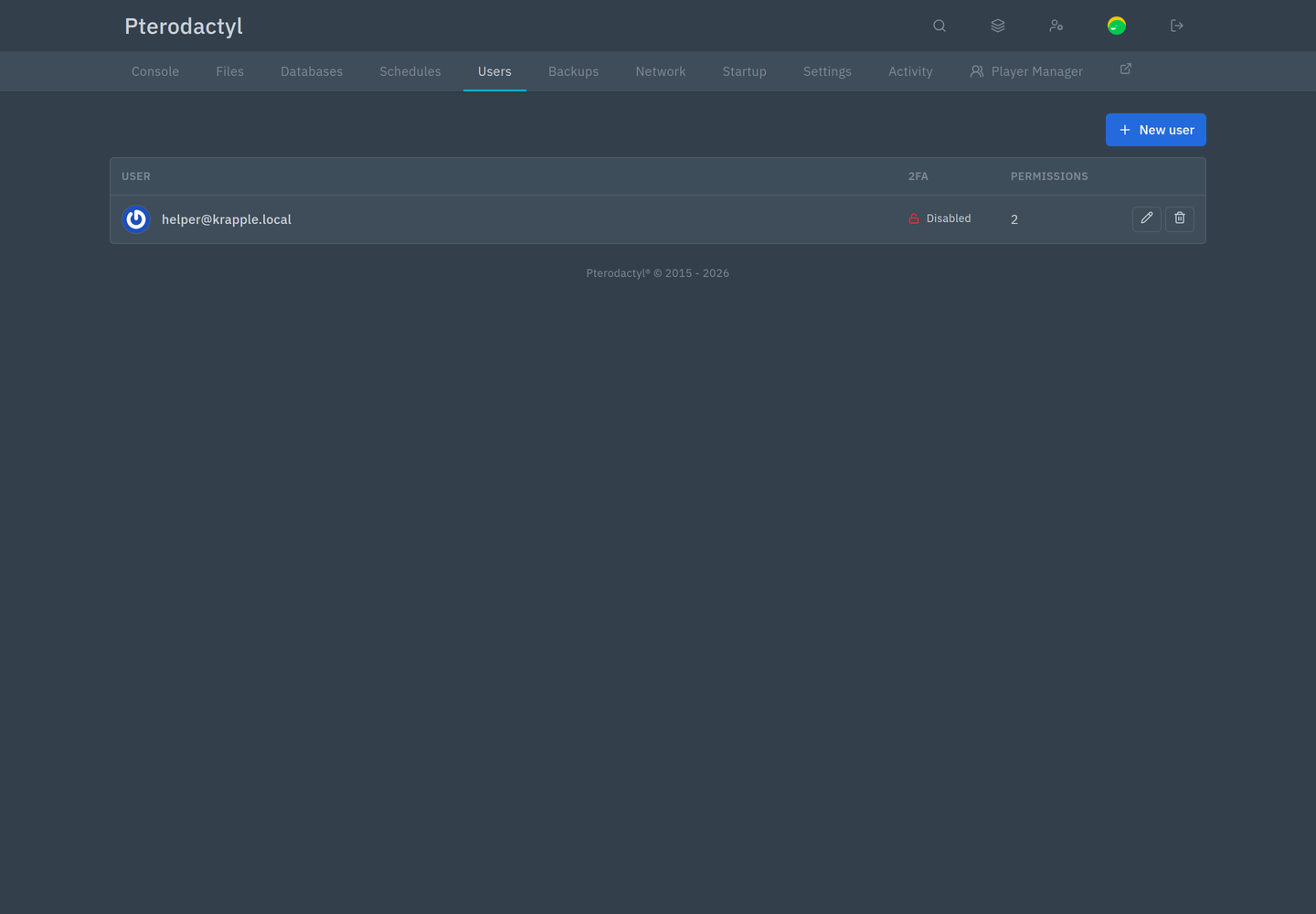
- Open the server, then Users.
- Edit the subuser, or add one.
- Scroll to Player Manager and tick the permissions.
- Save.
The seven permissions
| Permission | Allows |
|---|---|
| View | Open the tab at all: the online list, all players, profiles, inventories, statistics, and the whitelist, operators and bans lists |
| Moderate | Kick, ban, unban, IP bans, and kick everyone |
| Access | Add and remove whitelisted players and operators, and turn the whitelist on or off. Works while the server is stopped. |
| Gameplay | Game mode, teleport, give items, effects, experience, heal, feed, message, clear effects, clear inventory, kill — and the whole inventory editor |
| Server | Broadcast, save world, time and weather |
| History | The History tab: who did what, to whom, and how |
| Connection | The connection settings dialog: method, RCON host, port and password, Set up RCON, Test RCON and Restart now |
What a missing permission looks like
Hiding controls is cosmetic; the API enforces the same rules.
| Without | The user sees |
|---|---|
| View | No Player Manager tab at all |
| Moderate | No kick button, no kick-all, no ban |
| Access | Whitelist and operators are read-only, with no whitelist switch |
| Gameplay | No Actions menu, and no Edit in the inventory |
| Server | No Broadcast button; save, time and weather are hidden from the More menu |
| History | The History tab is not shown |
| Connection | No Connection settings item in the More menu |
Suggested roles
| Role | Permissions |
|---|---|
| Helper (answers questions, watches chat) | View |
| Moderator (handles troublemakers) | View, Moderate |
| Admin (runs the server day to day) | View, Moderate, Access, Gameplay, Server, History |
| Owner / panel administrator | All seven |
A helper who should be able to add friends to the whitelist also needs Access.
Notes
- Permissions are per server. Someone can be a moderator on one server and have no access to another.
- Restart now needs two permissions: the extension's Connection and the server's own Restart. Without the server permission the button is hidden and the API refuses.
- Panel-wide settings override permissions. If an administrator turns off Gameplay tools or Inventory editor, even a user with Gameplay is refused.
- History is separate from the panel's activity log. The panel logs what panel users do; Player Manager's History records its own actions and which user made them.